Schema Optimization
Use Schema Optimization to review schema issues that Releem detected and any SQL proposed for addressing them. These issues may affect performance, storage efficiency, or data integrity.
A detected issue describes the database structure that Releem observed. The provided SQL is a proposed change, not an applied change. Review the affected objects and test the proposed SQL before you decide whether to execute it.
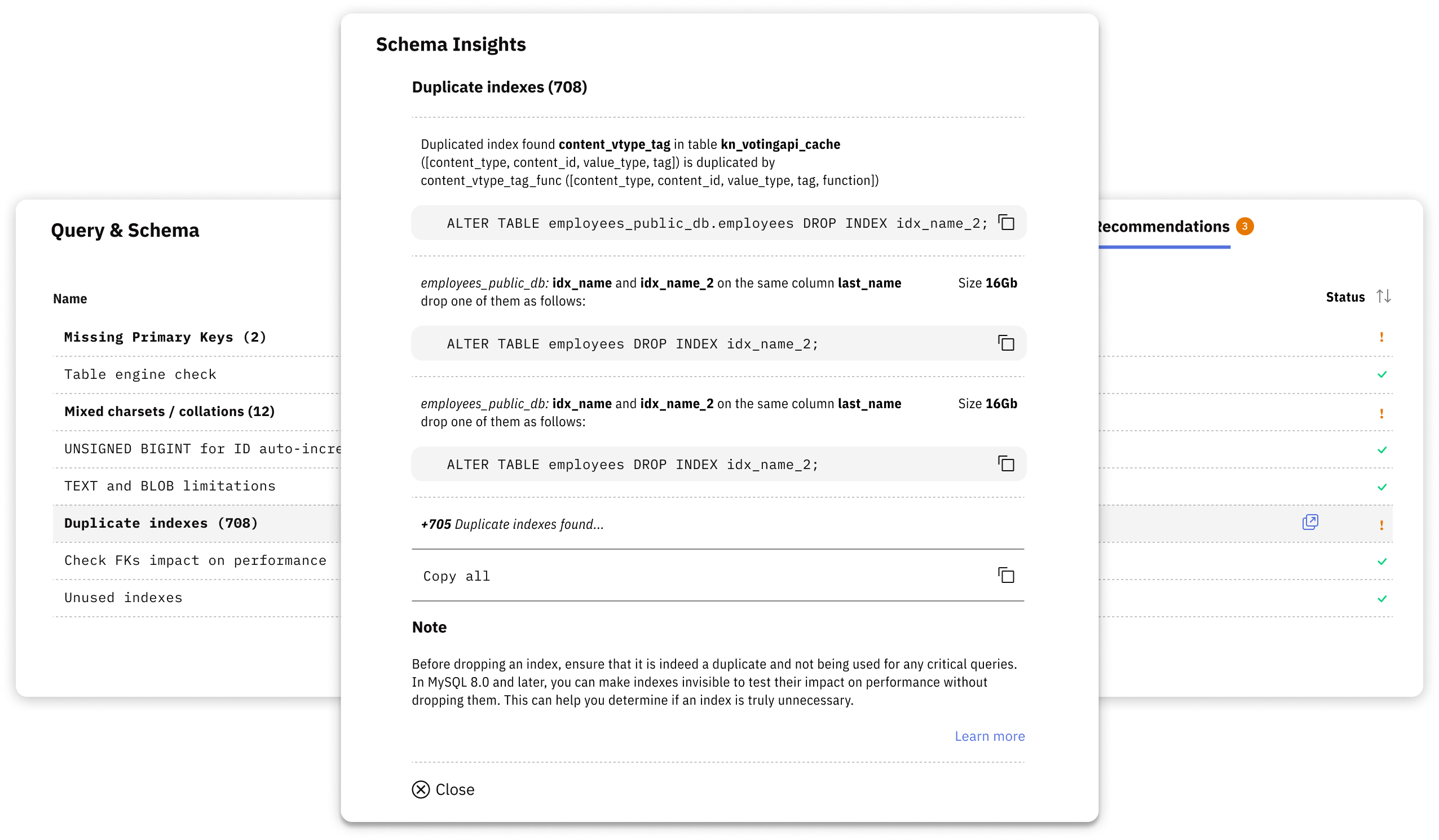
Schema Optimization reports these issue types:
- Missing Primary Keys – May cause replication issues and performance degradation
- Duplicate & Unused Indexes – May waste disk space and slow down write operations
- Deprecated Storage Engines – Tables using MyISAM instead of InnoDB
- Mixed Character Sets & Collations – May prevent index usage and slow queries
- Table Fragmentation – Scattered data may reduce query efficiency
- Auto Increment Overflow Risks – Insufficient column types for growing tables
Review and apply a schema change
- Open Schema Optimization. Navigate to the Schema Optimization section in your Releem dashboard.
- Review the detected issue. Review detected issues categorized by type and severity.
- Review the proposed SQL. Copy the provided SQL statements (e.g.,
ALTER TABLE). - Test the proposed SQL. Test changes in a development environment first.
- Execute the approved SQL. Execute the SQL on your production database during low-traffic periods.
To let Releem apply approved schema changes for you instead of running SQL manually, follow Automatic Schema Changes.
If an automatic schema change fails in Releem, use the Schema Change Troubleshooting guide to match the error to the next action.
For detailed information about each type of schema check and comprehensive best practices, see the MySQL Database Schema Checks article.
Use the detected issue, affected objects, and your test results to decide whether the proposed change is appropriate for your database.