Deadlock Monitoring
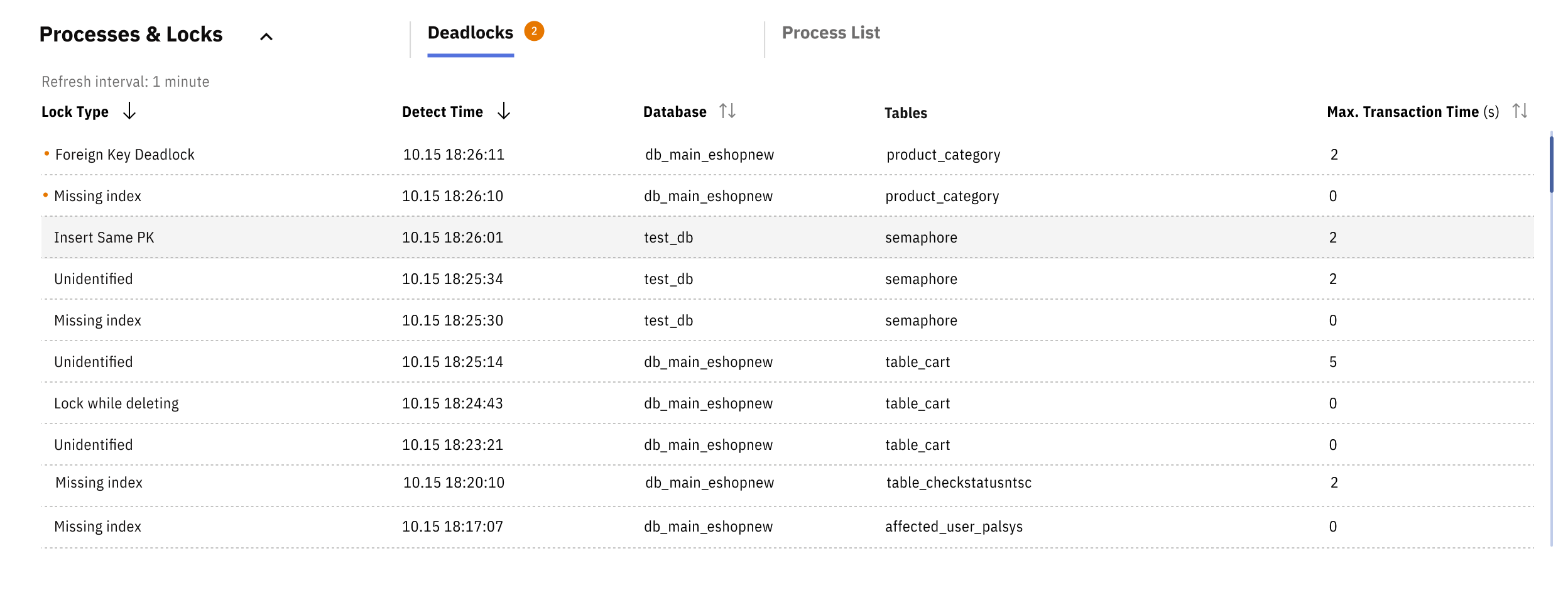
Releem monitors your database for deadlocks and provides notifications with the transaction details available for each detected event. Deadlocks can cause application errors and affect user experience, so reviewing detected events can help you investigate database reliability issues.
How Releem Monitors Deadlocks
Detected evidence
Releem analyzes database internal status reports to detect deadlocks. When Releem detects a deadlock, it identifies the deadlock type and records the available transaction details. A notification alerts you to the detected event. This deadlock information is stored in your Releem dashboard, where you can review its history for recurring issues and patterns.
Suggested action
Releem also provides suggested fixes for that deadlock type, which are stored with the detected evidence in your Releem dashboard. Treat each suggestion as a possible way to resolve the deadlock, and review it with the recorded evidence before deciding what to change.
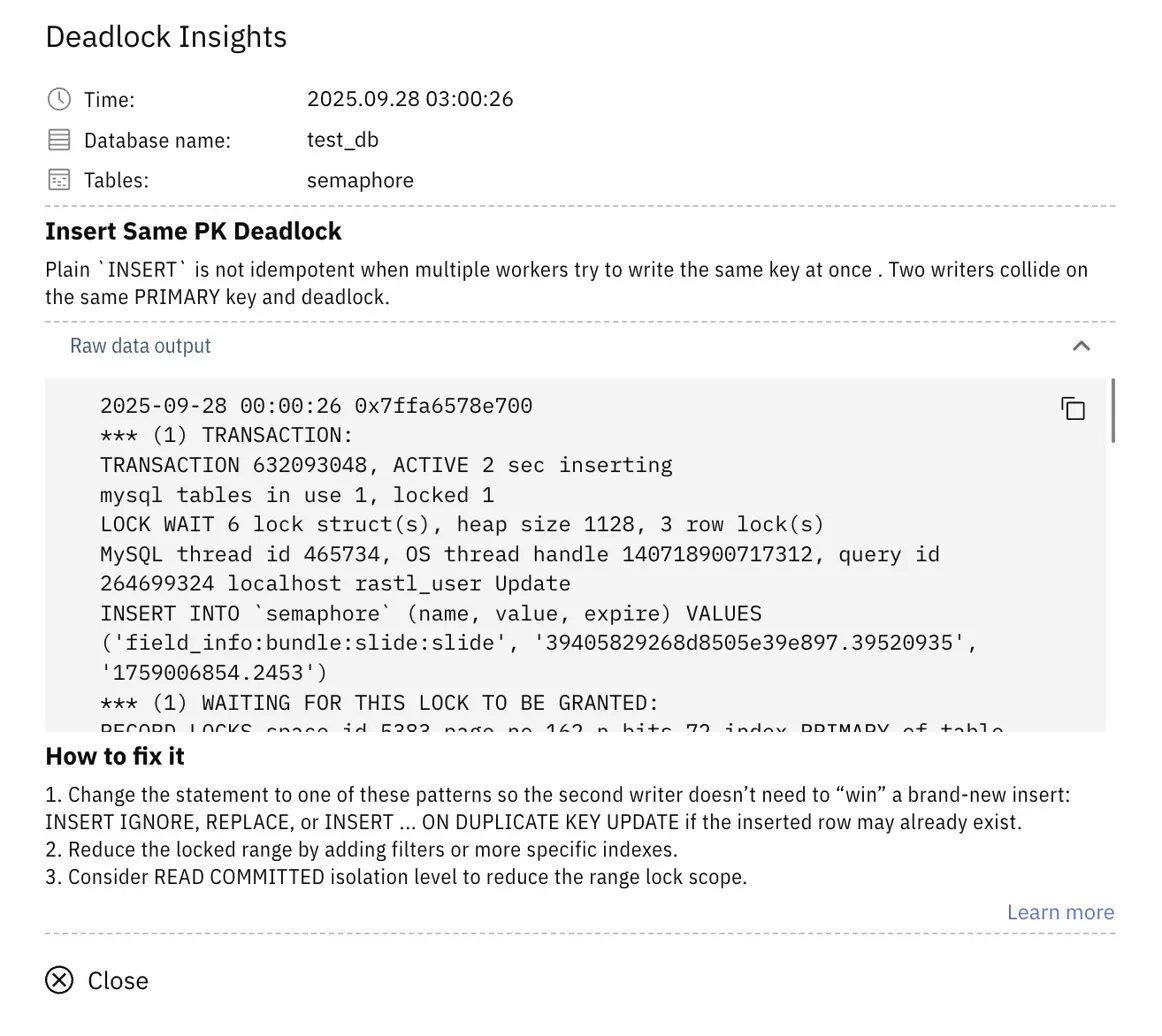
For detailed information about each deadlock type, possible solutions, and best practices, see the MySQL Deadlock Detection article.
Use the notifications, recorded transaction details, deadlock type, suggestions, and Dashboard history to investigate detected events and decide which responses fit your database and application.