Set a MySQL memory target
If MySQL shares a server with other software, set the Memory Limit that Releem uses when preparing MySQL recommendations. This page applies to MySQL. Applicability to MariaDB and PostgreSQL is not documented here.
The Memory Limit setting is a tuning target, not an enforced process or system memory cap. MySQL can use more than the target because connection and per-query buffers also consume memory.
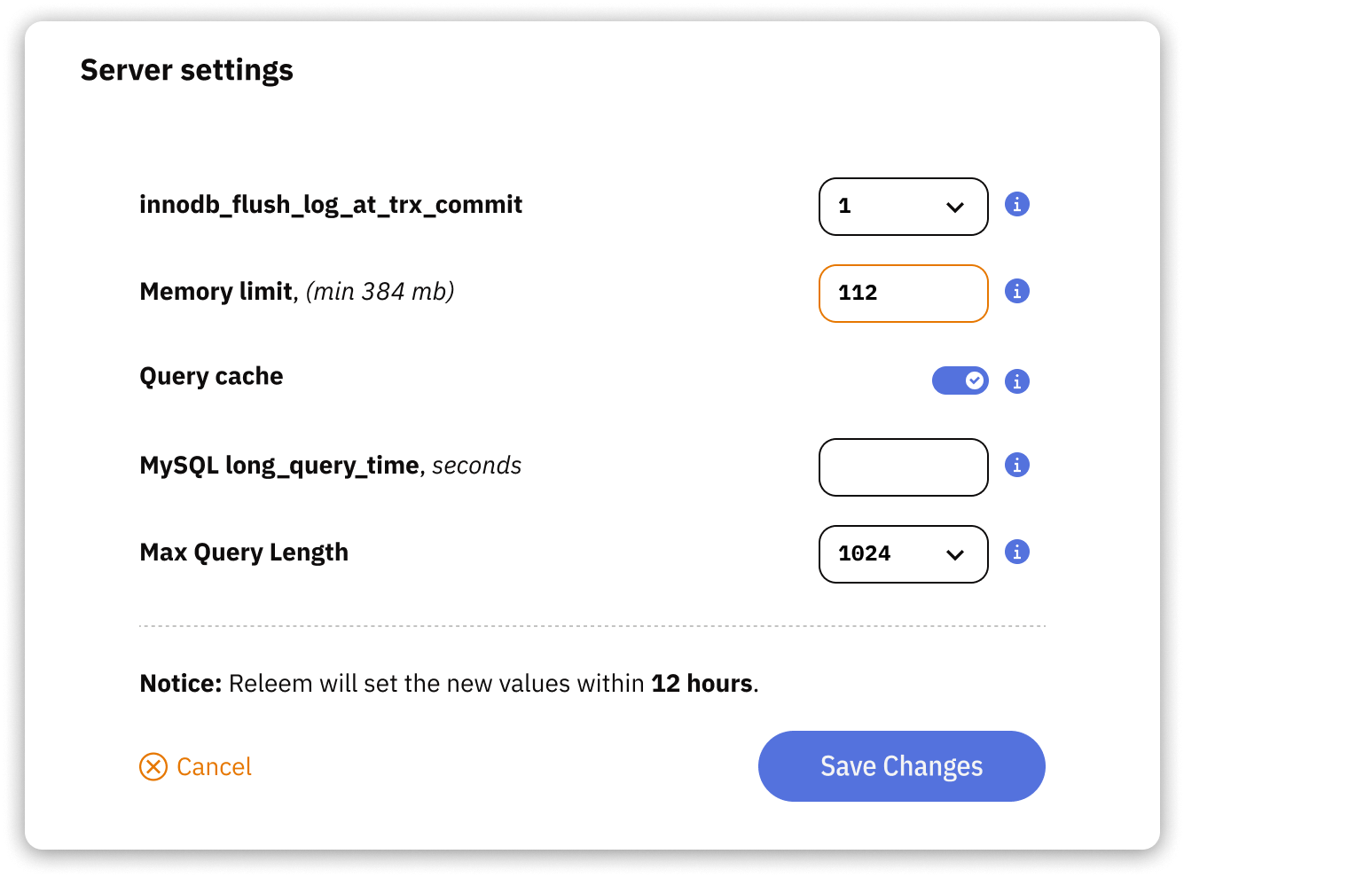
Set the target
- Open Dashboard → Recommended Configuration → Settings.
- Enter the new Memory Limit in megabytes.
- Select Save Changes.
Check the result
Return to Recommended Configuration → Settings and confirm that the saved value is shown. Review later recommendations against the new target and monitor current memory use. The saved target does not immediately prove that active MySQL settings or process memory changed.
Why can MySQL use more than the target?
The target informs configuration tuning; it does not constrain the MySQL process at the operating-system level. Actual use depends on the active configuration, concurrent connections, and per-query buffers.
If memory use remains above your operational limit, review connection counts and workload behavior before changing the target again. Verify any resulting recommendation through the normal application checks.